Charger not working: who to contact
BlokVolt does not operate chargers. For a fault or payment, contact the network; for wrong information on the map — BlokVolt; in case of danger, call 193 or 112.
Translated from Serbian. Where the exact wording matters, the Serbian original applies.
Who to contact
| What happened | Who | How |
|---|---|---|
| Smoke, sparks, a burning smell, a damaged cable | fire brigade, emergency services | 193 or 112 |
| Charging does not start or stops, an error on the screen | the network that runs the charger | network support |
| Billing, refunds, RFID card | the network, that is, the app you paid with | network support |
| No charger, wrong location, network, power or price on the map | BlokVolt | “Report an error” on the card |
| Warning other drivers | other drivers | a “Not working” report on the card |
BlokVolt does not see a charger's live status or your payment with the network.
Step by step
- Safety first. If there is smoke, sparks or a damaged cable, do not touch the charger or plug in the car. Move away, call 193 or 112, then let the network know.
- Check the network's app: the connector status and the error message. Try another connector or restart charging.
- Call the network's support. Which network runs the charger is shown on its card on the map, and the support number is often on the charging post too.
- Warn other drivers: on the card, choose “Not working” and write what happened in the comment (how).
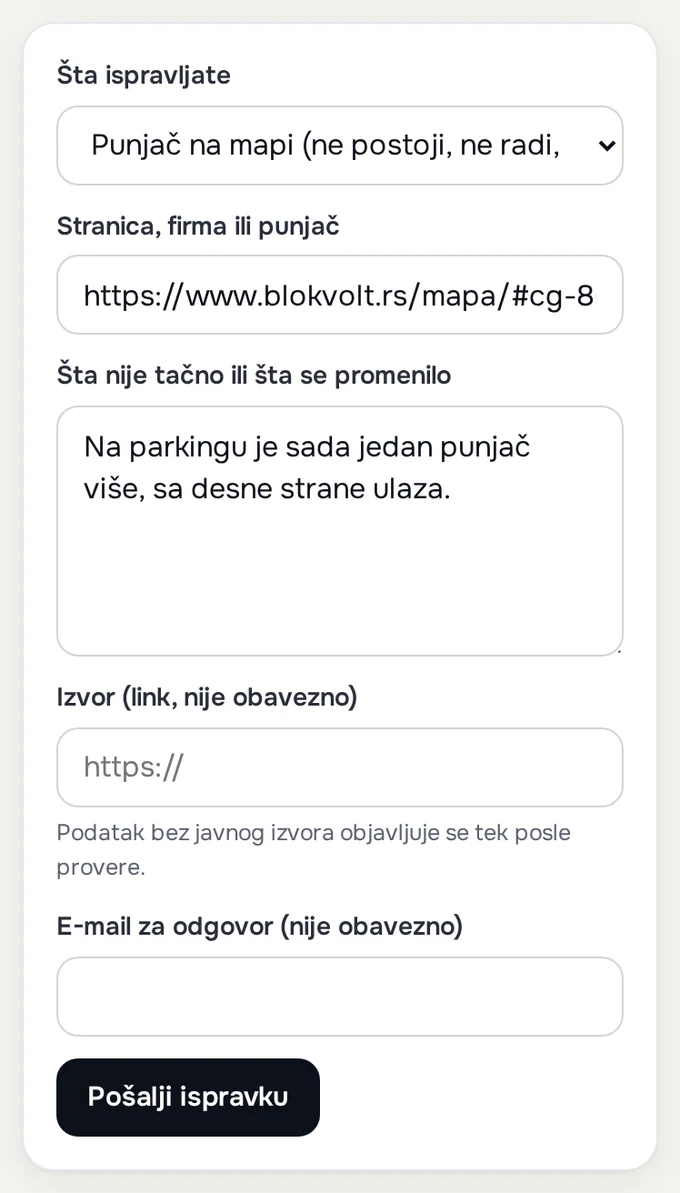
- If the data on the map is wrong, press “Report an error” on the card. The corrections form opens with the charger already filled in.
Network contacts
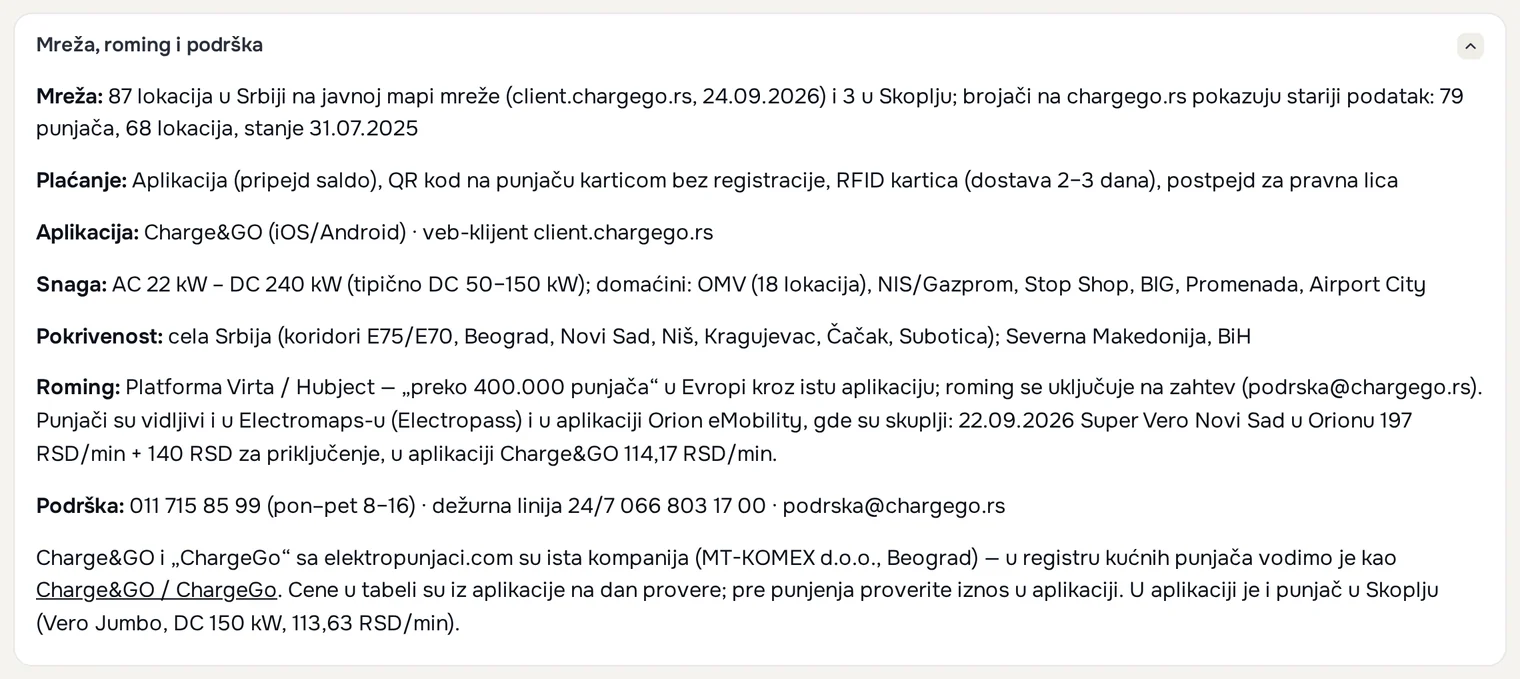
The numbers are taken from the network pages on BlokVolt, from the “Network, roaming and support” section, as of 28.09.2026:
- Charge&GO: 011 715 85 99 (Mon–Fri 8–16), 24/7 on-call line 066 803 17 00, [email protected]. The same number also applies to Charge&GO chargers at NIS petrol stations.
- Orion eMobility: 011 4100 333, [email protected].
- State-owned chargers on motorways: 011 4100 333, Orion Telekom's technical support.
- Emobility Spectra (Novi Sad): 021 674 10 33.
Other networks
- OMV: the charger is run by Charge&GO or EasyPark, and the support number is on the charging post.
- Tesla: tesla.com/support.
- eDrive: contact details on edrive.co.rs.
- Lidl eCharge (Novi Sad, Liman): kompanija.lidl.rs.
- Parking servis Beograd: parking-servis.co.rs.
All networks are on the Public charging page.
If that does not help
- The network's support is not answering and the charger is not working: leave a “Not working” report; it shows up immediately and warns the next drivers.
- The charger is no longer there: choose “No charger here” and send a correction.
- Billing and refunds are handled by the network, under its terms of use; BlokVolt cannot help with this.
What to send
For wrong data on the map, via “Report an error” or to [email protected]:
- a link to the charger (the “Share” button on the card) or its name and location;
- what is wrong: there is no charger, it is in a different place, or the network, power, connectors or price are different;
- a source, if you have one: a link to the network's list or a screenshot of the app (send screenshots by e-mail);
- roughly when you were at the charger, and your e-mail address if you would like a reply.
Was this helpful?
Thank you for your feedback.
Sent. Thank you.
Sending failed. Write to [email protected].
Updated 28.09.2026 · Report an error in the text
Related questions
How to report whether a charger works
Open the charger on the map and choose its status in the “Drivers' experience” section. The report and rating appear immediately, with no account or registration.
What “Confirmed” means — and what it does not
Confirmed means that the charger exists. It does not mean that it is working right now.
Contact: when to expect a reply
Write to [email protected] or use the corrections form; companies use the page for companies. An error is fixed within a few days, and a request about personal data is answered within 30 days at the latest.