Updates and installation problems
Prices, the map and news update by themselves, together with the site. A new version of the APK file is rarely needed; when there is one, it will appear on the App page, and it installs over the existing one.
Translated from Serbian. Where the exact wording matters, the Serbian original applies.
How updates arrive
The app shows the website, so new prices, chargers and news appear straight away, without updating. The same applies to the icon on an iPhone or a computer.
A new version of the APK file itself rarely needs installing. When there is one, it will appear on the App page, with the version number and date at the bottom of the page. As of 28.09.2026, it says “Version 1.0.0 · released 25.09.2026” there.
The app does not send notifications, so no message arrives about a new version.
To update, download the new file and install it over the existing one; there is no need to delete the old version. Every version is signed with the same certificate. Favourite chargers are kept in the browser's storage, not in the app itself.

Common problems
The phone does not allow the installation. Android requires permission to install apps from a browser. Open Settings → Apps → the browser you downloaded the file with, for example Chrome → Install unknown apps, and turn the permission on. The names differ from phone to phone; on Android 5–7 the option is called “Unknown sources” and is in the security settings.
Chrome warns that the file may harm your device. Chrome shows this warning for every APK file. Check the SHA-256 (how) and choose to keep the file anyway.
Play Protect warns about an unknown app. The app is not from Google Play, so Play Protect does not recognise it. If the SHA-256 matches, open the warning's details and choose to install; the app asks for no permissions.
“App not installed”. Most often the file was only partly downloaded, or Android is older than 5.0. Download the file again. If it says the package conflicts with an existing one, the phone has an app with the same name signed with a different key: delete it and install the file from the site.
The address bar is visible at the top. The app is then running as an ordinary browser tab. Update Chrome or install a browser that supports this type of app.
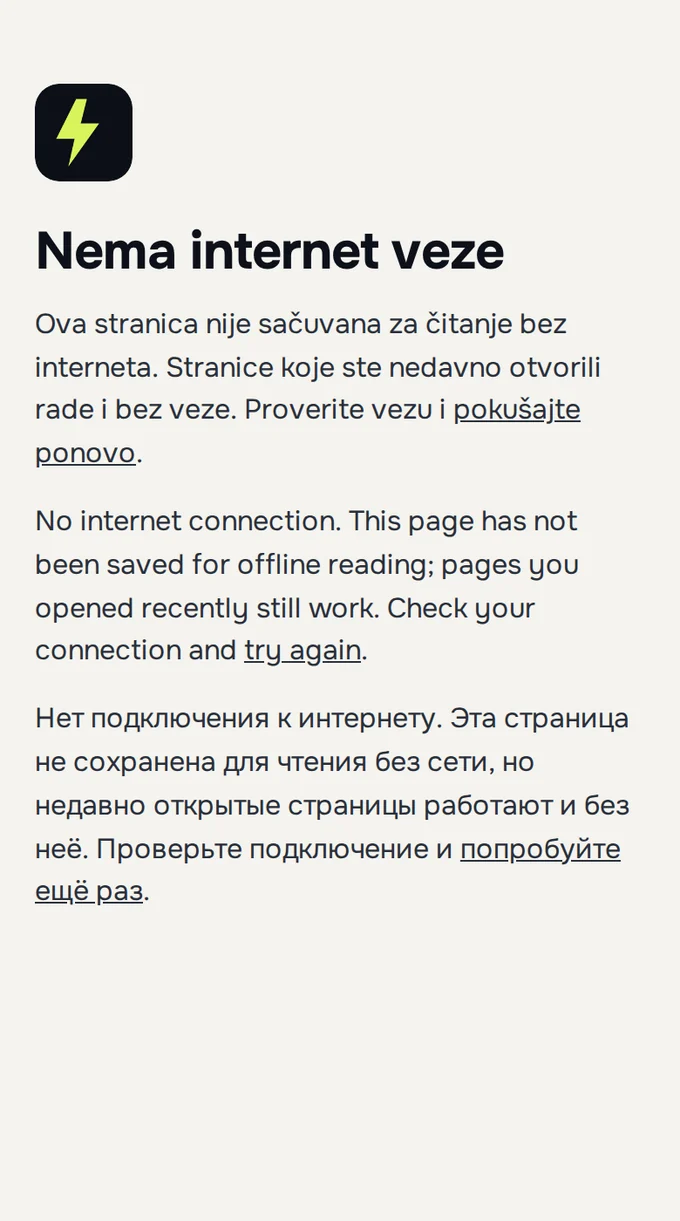
No internet. Pages you opened recently also work without a connection, and for the others “No internet connection” is shown. Drivers' reports and photos are sent only with a connection.
Google Play
Publishing on Google Play is being prepared; until then, the file from the site is the same app.
What to send
If the problem persists, write to [email protected]:
- the phone model and Android version;
- the browser and its version;
- the exact text of the message or a screenshot;
- whether the file's SHA-256 matches the value on the App page.
Was this helpful?
Thank you for your feedback.
Sent. Thank you.
Sending failed. Write to [email protected].
Updated 28.09.2026 · Report an error in the text